Local-first desktop beta · Optional AI · No signup needed for these demos
Task Runner +Today
One thing at a time
Make a little headway.
Finish the first draftWriting · 25 minutes
Next up
Take a walkA little breathing room · 15 minutes
Pick up groceriesErrands · Later today
Illustrative plan. Try the controls below.
You review AI suggestionsYour breaks belong in the planAI can stay switched off
Less explaining. More trying.
Small moments. Useful every day.
These interactive examples use fictional tasks and documents. They don’t access your microphone, call an AI model, or change your app.
01 / Get it out of your head
Say the messy version. Keep the useful parts.
“Work on my proposal for 45 minutes, then take a 15-minute walk.” The assistant makes a draft. You decide what gets added.
In the app, voice requires setup. This is a scripted example.
Try it · Review a plan
“Work on my proposal for 45 minutes, then take a 15-minute walk.”
Uncheck anything you don’t need.
02 / New · Document analysis
Find the useful parts. Choose how to see them.
Drop a document into Analyze. Get the main points, decisions, and action items, then switch between bullets, paragraphs, an outline, or a table without asking the model again.
Works with text-based PDFs, Word documents, Excel workbooks, PowerPoint decks, CSV files, and text or logs—even without a file extension.
Current Windows test builds · AI setup required. File reading happens on your device. Cloud analysis sends document text only after approval; a local model is also an option. Scanned pages need OCR. Always check important facts against the original.
Try it · A fictional team handoff
team-handoff.docxFictional sample
The help-centre refresh is scheduled for 18 November. Maya owns the updated articles and will share a draft on 10 November.
Read the full sample
Leon owns QA and needs a two-day review window before launch.
Before the rollout, the team needs approval for the new onboarding screenshots. The current support links must stay available during the change.
Next check-in: 11 November. If screenshot approval is delayed, move the launch date rather than skipping QA.
A scripted preview with made-up content. No upload or AI request.
In the app, longer documents are analyzed in sections. If interrupted, Resume analysis can reuse completed sections during the same app session.
03 / Find your focus
A next step. A little less noise.
Start a timer, pause when you need to, and come back to the same task. Clean UI lets the rest of the workspace step aside.
Try it · Focus timer
Today / Writing
Finish the first draft
25:00
Ready when you are.
A real countdown in this example. Nothing is saved.
04 / Remember now. Do it later.
Not everything belongs on your to-do list. Yet.
Keep a reminder until you’re ready to act. Then turn it into a task, with its project still attached.
Desktop reminders currently need the app to be open.
Try it · Reminder to task
Reminder
Book the bike service
Tomorrow, 9 AM · Personal
Keep it as a reminder until you’re ready.
05 / Leave room to breathe
Shape your day. Don’t fill every minute.
Set the hours you want to plan. Breaks and intentional buffers count too. Around 85% coverage is a shaped day; the rest can stay open.
Sleep and time outside your day limits don’t count.
Try it · Day limits
6 hours of tasks already planned
Hours left are inside your day limits only.
Inside the desktop app
A space you can settle into.
Actual app captures with sample data. Features shown are from the current Windows test build; availability varies by build and platform.
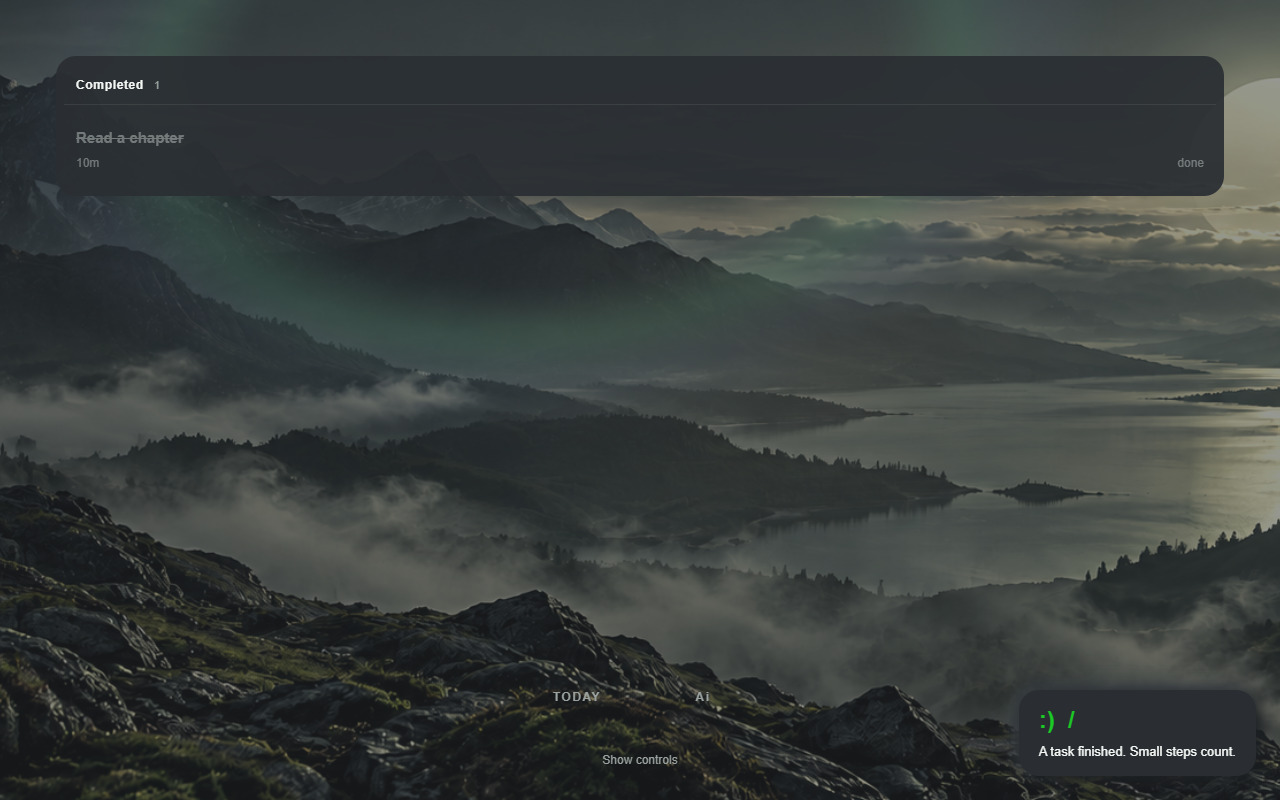
Clean UI. Your task list, with room around it. The optional landscape is a test feature.
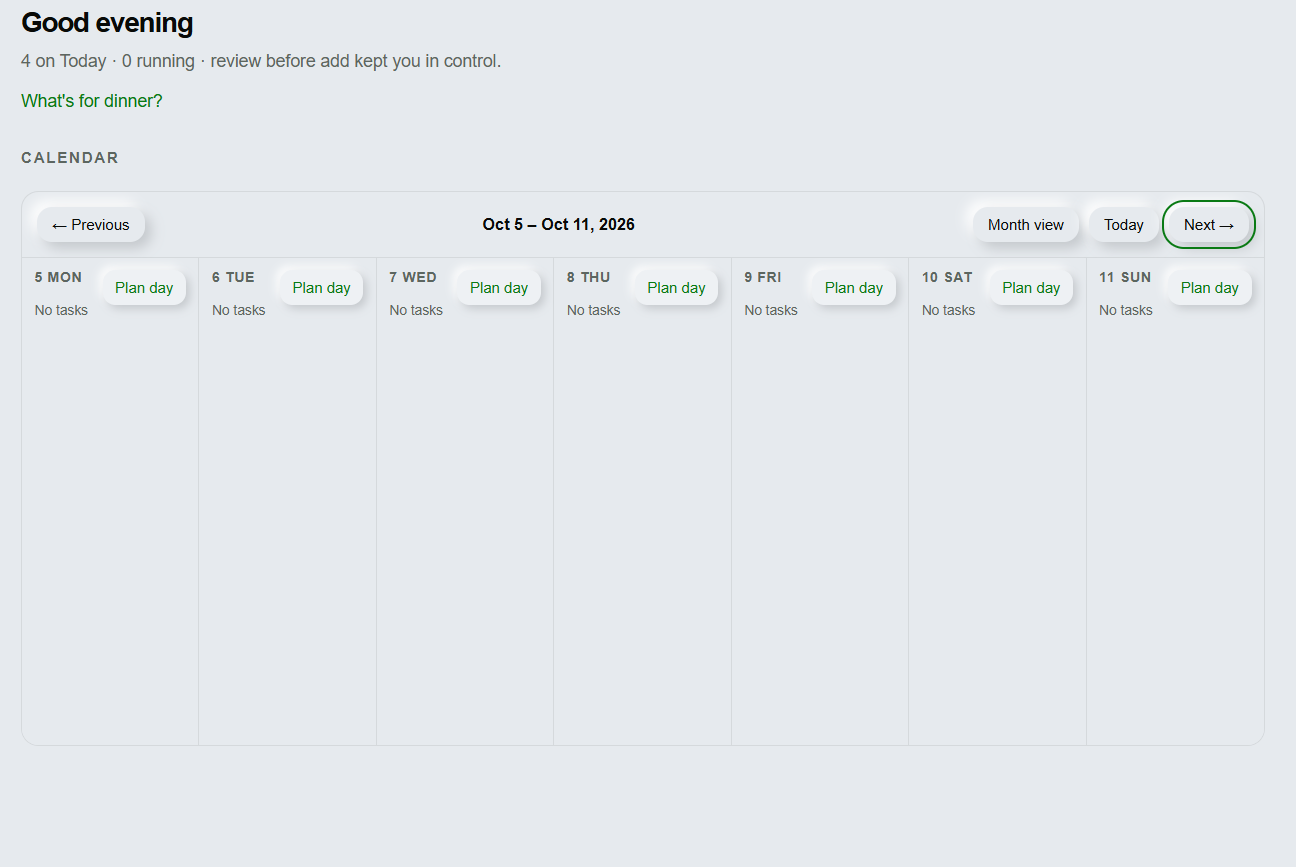
Zoom out. Plan ahead.
The week, or the whole month.
Choose a view to explore an actual calendar capture.
Week view · Open image to see the details ↗
Notes that stay beside you
A movable notes window for ideas and details while you work.
A familiar sound
Optional Focus and Reset soundscapes. Listening never awards Task points.
Your choice of AI
Use a local model through Ollama, choose a cloud provider, or keep AI off. Models need manual setup.
Keep in touch
See what we’re building next.
Join the Runner Labs email list for product news, including Task Runner + updates.
This is the shared Runner Labs list, not a separate Plus waitlist. Email is optional. Unsubscribe whenever you like.
Email signup is for adults aged 18 or older. A parent or guardian may subscribe using their own information. Minors may still use permitted local app features with parent or guardian involvement. Do not submit a child's personal information.
Loading this form connects to Beehiiv, which processes technical information. Privacy details.
 Task Runner +