Bring the pieces together.
Arrange image and text layers, use masks and organize your composition across artboards.
YOUR NEXT CREATIVE SIDEKICK
Meet Graphic Runner Silica. A local graphics workspace for bold type, layered artwork and effects worth experimenting with.
Make a whole piece here, or bring a new look to a project from your favorite editor. There is room for both in your toolkit.
In active beta development. Join the Runner Labs email list for updates.
 GRAPHIC RUNNER
INSIDE THE EDITOR
Build a composition with images, text and vectors. Adjust its look, work with layers and keep an editable document for the next round of ideas.
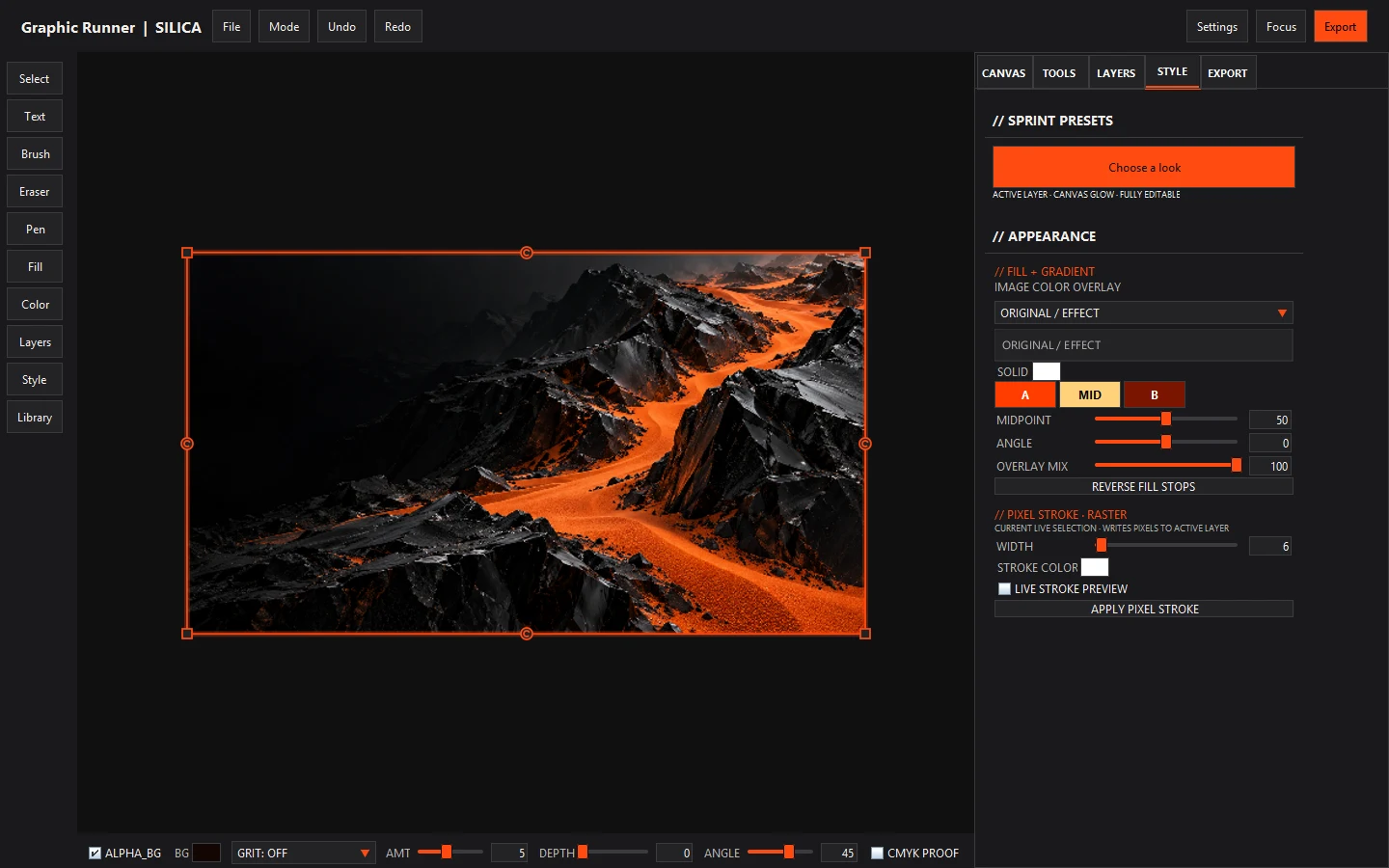
Arrange image and text layers, use masks and organize your composition across artboards.
Explore lettering in Type Lab, work with vector shapes and turn lettering into editable curves.
Experiment with dithering, grain, glow, pixel effects and CRT styling. Copy Post settings between layers for a consistent finish.
DESIGN SPRINT
Build a poster for your event, add personality to a shop announcement or give a social post a fresh look.
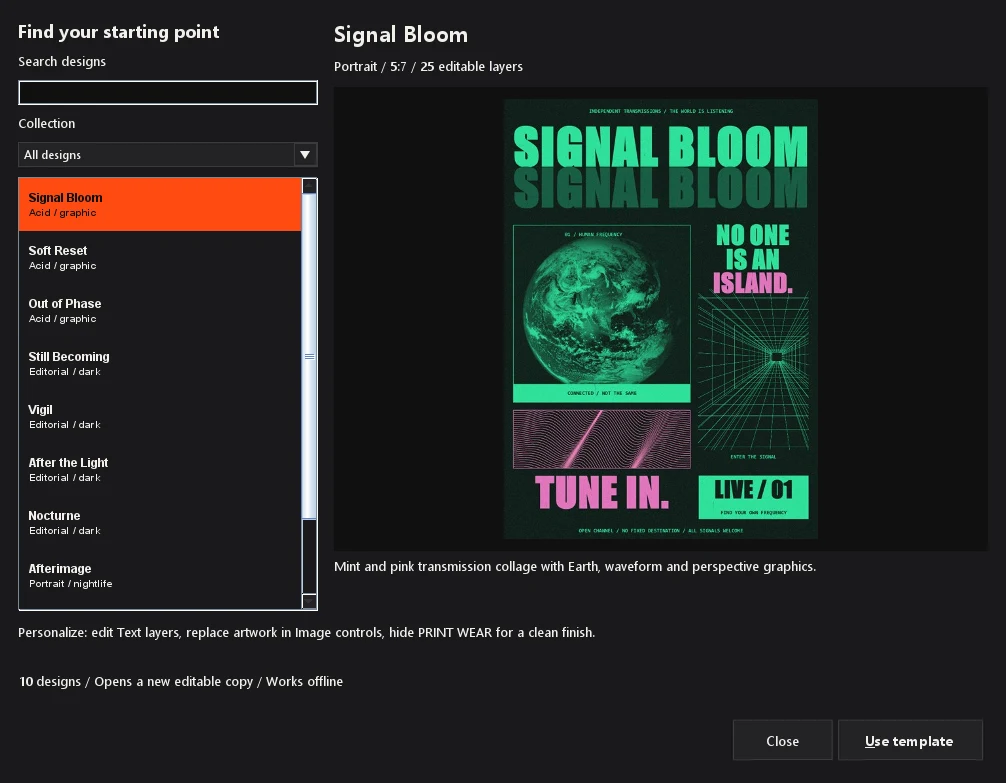
EDITABLE POSTER TEMPLATES
Choose a layout, change the words and replace the artwork. Keep shaping it until it feels like your project.
Template selection and included content may vary by edition.
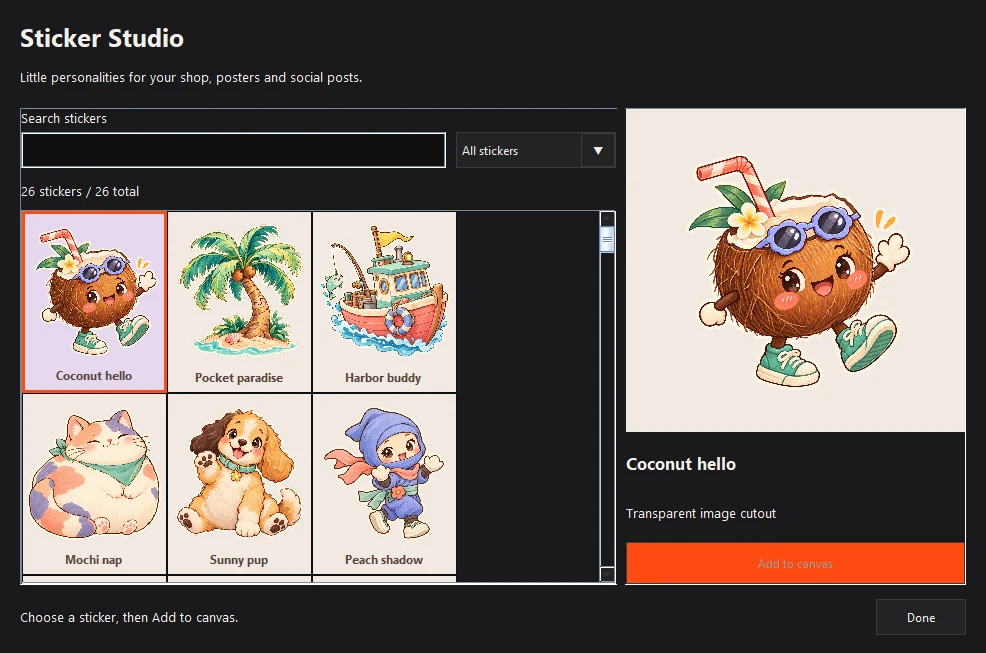
STICKER STUDIO
Browse cutout artwork and add a sticker to your canvas. Mix characters and playful details with your own photos, lettering and layout.
Sticker selection and included content may vary by edition.
PART OF YOUR TOOLKIT
Silica can be your canvas for a complete design or a creative stop along the way. Bring in artwork, try a treatment and export the result for the next stage.
Import an image or artwork exported from another editor. Start from your own illustration, photo or design.
Add type, combine layers or explore a new texture and effect treatment inside Silica.
Save your editable Silica document. Export artwork as an image, PDF or SVG as appropriate for your project.
Use exported artwork to move between apps. Editable features and effect appearance depend on the export format and the receiving editor.
A FEW THINGS TO KNOW
Yes. Create and finish work inside Silica, or use it alongside other editors. Choose the workflow that suits the piece.
Silica is a local desktop editor. Your canvas and project files stay on your machine. Website signup, feedback and downloads need an internet connection.
It began as a small dithering and filter tool. It has grown into a graphics workspace with layers, typography, vectors, compositing and Design Sprint.
Join the Runner Labs email list for development news. If you are testing Silica, share feedback or report a bug to help shape future builds.
SPACE FOR YOUR NEXT IDEA
Follow Graphic Runner Silica as it grows.